
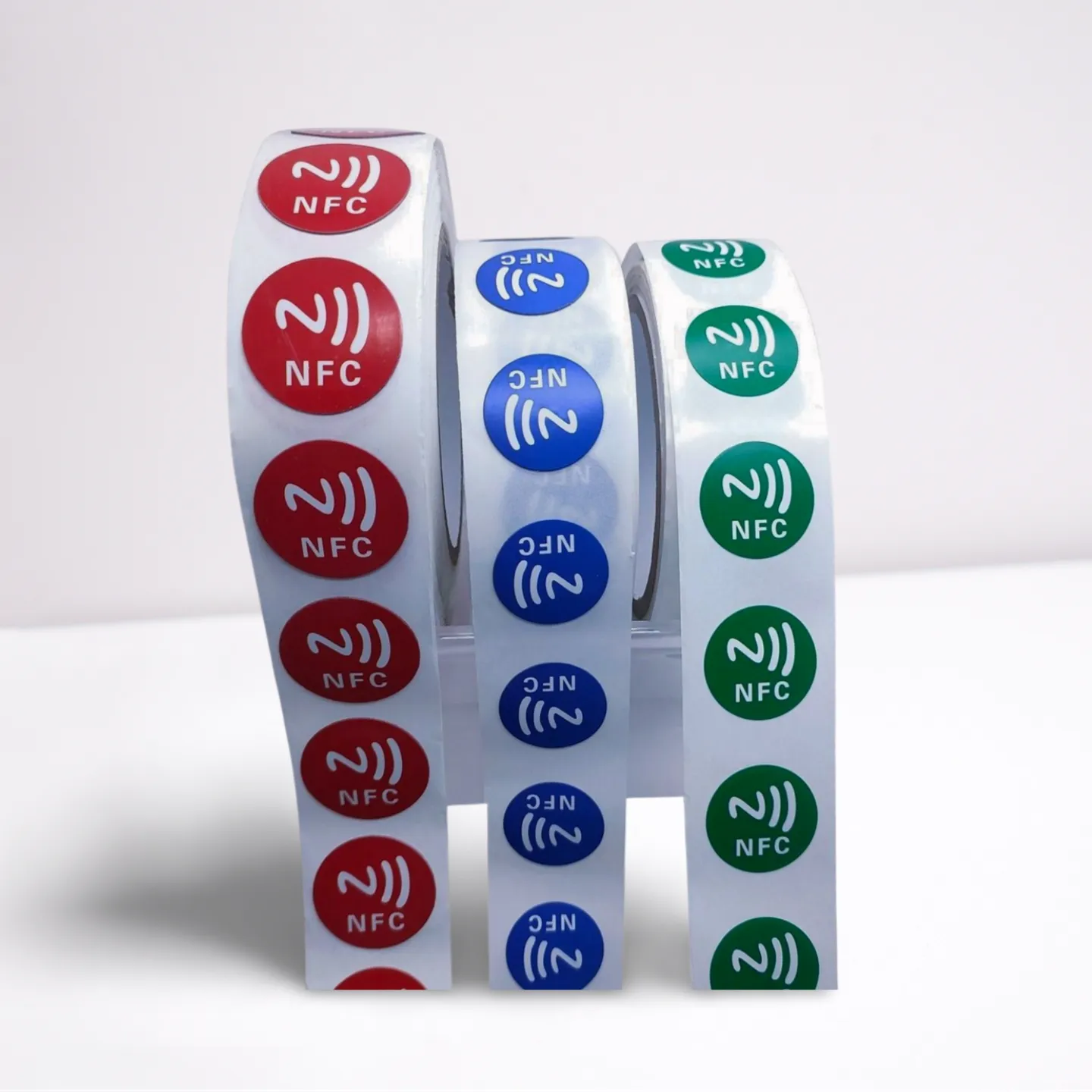
NFC Tag Stickers: The Most Versatile & Cost-Effective NFC Solution
NFC Tag Stickers are the most versatile and cost-effective NFC solution for personal and business use—they’re thin, adhesive, and work seamlessly with all NFC-enabled devices (iPhones 7+, Android phones). Unlike rigid NFC cards or bulky keychains, these stickers stick to almost any surface (product packaging, walls, gadgets) and support repeated data updates, making them ideal for retail, warehouses, smart homes, and more. This guide breaks down their core benefits, real-world applications, how to use them, and why they’re a top choice for budget-conscious users.
Why Choose NFC Tag Stickers? 3 Core Advantages
1. Ultra-Affordable (Low Cost, High Value)
The biggest draw of NFC Tag Stickers is their price—far cheaper than NFC cards or wristbands. For example:
- Small batches (10–100 units): $0.15–$0.50 per unit (perfect for hobbyists or small businesses testing NFC).
- Bulk orders (1,000+ units): $0.08–$0.20 per unit (saves 50%+ vs. NFC PVC cards).
This affordability lets businesses scale NFC use without overspending—e.g., a small retail store can add 500 stickers to product packaging for just $50–$100, turning every item into an interactive touchpoint.
2. Fully Programmable & Rewritable
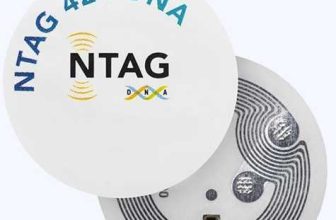
Most NFC Tag Stickers (like those using the NTAG215 chip) are rewritable, supporting up to 100,000 data updates. This flexibility means you can:
- Update marketing messages: Change a “20% off” link to a “new product launch” page without replacing the sticker.
- Adjust smart home shortcuts: Switch a sticker from “turn on lights” to “start vacuum” as your routine changes.
- Track dynamic inventory: Update a sticker’s data from “in stock” to “shipped” when warehouse stock moves.
For details on the NTAG215 chip (the most popular for rewritable stickers), check our What-is-NTAG215 page—it breaks down storage capacity (504 bytes, enough for URLs or commands) and compatibility.
3. Versatile & Easy to Install
NFC Tag Stickers are thin (usually 0.1–0.3mm) and adhesive-backed, so they stick to:
- Flat surfaces: Product boxes, store shelves, office walls.
- Curved surfaces: Water bottles, laptop lids, smart home devices.
- Even metal (with anti-metal variants): Industrial equipment, toolboxes (see our ntag215-nfc-tags-anti-metal for metal-compatible options).
Installation takes 2 seconds—peel the backing and stick. No tools, no wiring, no professional setup needed.
Top Use Cases for NFC Tag Stickers (Personal & Business)
1. Retail & E-Commerce: Boost Customer Engagement
- Product Packaging: Stick an NFC Tag Sticker on a clothing tag—customers tap to view size guides, fabric care videos, or style inspiration. A fashion brand saw 35% more online traffic after adding these stickers.
- In-Store Displays: Add stickers to shelf labels—tap to pull up customer reviews, nutritional info (for food), or related product recommendations.
- Loyalty Programs: Print a sticker with your brand logo—customers tap to sign up for loyalty points or redeem discounts (cheaper than physical loyalty cards).
2. Warehouses & Inventory Management
- Asset Tracking: Attach NFC Tag Stickers to pallets, boxes, or tools—encode serial numbers, storage locations, or maintenance dates. Workers tap with a phone to update inventory in real time, cutting manual data entry time by 60%.
- Shipping Labels: Replace paper shipping labels with stickers—tap to view delivery status, recipient info, or return instructions (reduces label smudging or loss).
> For warehouses using metal shelves or equipment, anti-metal NFC Tag Stickers (like our ntag215-nfc-tags-anti-metal) are a must—they avoid signal interference from metal surfaces.
3. Smart Homes & Personal Use
- Automation Shortcuts: Stick NFC Tag Stickers in key locations:
- By the front door: Tap to “set home mode” (lock doors + turn on lights).
- By the bed: Tap to “night mode” (dim lights + mute phones).
- On your laptop: Tap to connect to Wi-Fi or open work apps.
- Personal Organization: Label storage bins with stickers—tap to pull up a list of contents (e.g., “Christmas decorations 2024”) instead of opening every bin.
- Gifting: Customize a sticker with a photo or message—tap to play a birthday video or share a digital gift card (unique and memorable).
How to Use NFC Tag Stickers: Step-by-Step Guide
Using NFC Tag Stickers is simple—no tech expertise needed. Here’s how to program and use them:
Step 1: Choose the Right Sticker
- For most uses: NTAG215-based stickers (rewritable, 504 bytes storage)—see What-is-NTAG215 for specs.
- For metal surfaces: Anti-metal NTAG215 stickers (our ntag215-nfc-tags-anti-metal page has options).
- For one-time use: NTAG213 stickers (cheaper, 144 bytes storage—good for simple URLs).
Step 2: Download an NFC Programming App
Use free, user-friendly apps:
- iOS: NFC Tools (preferred) or Shortcuts (for smart home automations).
- Android: NFC Tools or TagWriter by NXP.
Step 3: Program the Sticker
- Open the app → Tap “Write” → Select what to encode (URL, text, smart home shortcut, contact info).
- Enter your data (e.g., URL: “https://yourstore.com/sale”).
- Hold your phone’s NFC antenna (top for iPhones, back for Android) against the sticker until “Write Successful” appears.
Step 4: Test & Use
Hold your phone against the sticker—if encoded with a URL, it will open in your browser; if a shortcut, it will run the action (e.g., turn on lights).
Bulk Ordering NFC Tag Stickers: What to Know
For businesses or users needing 100+ units, bulk ordering saves money and ensures consistency. Here’s what to consider:
1. Pricing (2025 Averages)
| Order Quantity | NTAG215 Sticker (Standard) | NTAG215 Anti-Metal Sticker |
|---|---|---|
| 100–500 units | $0.20–$0.35 per unit | $0.30–$0.50 per unit |
| 501–2,000 units | $0.12–$0.20 per unit | $0.20–$0.30 per unit |
| 2,001+ units | $0.08–$0.15 per unit | $0.15–$0.25 per unit |
2. Customization Options
Most suppliers offer:
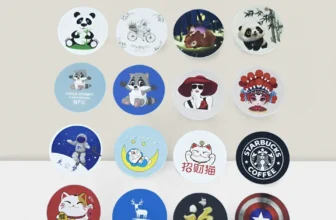
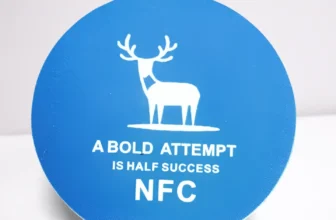
- Printing: Add logos, QR codes, or text (full-color or black-and-white) for $0.05–$0.10 per unit.
- Die-Cutting: Custom shapes (e.g., circles, brand logos) for a one-time mold fee of $100–$300.
- Pre-Encoding: Have suppliers pre-load data (e.g., your website URL) for $0.03–$0.05 per unit—saves time on in-house programming.
3. Quality Checks
- Chip Authenticity: Ensure stickers use genuine chips (e.g., NXP NTAG215)—fake chips have poor signal and break after 100+ reads. Ask for a sample to test with NFC Tools (genuine chips will show “NTAG215” in the app).
- Durability: For outdoor or wet use, choose waterproof stickers (PVC or vinyl material)—test by soaking a sample in water for 30 minutes, then scan to confirm it works.
FAQs About NFC Tag Stickers
| Question | Answer |
|---|---|
| “Do NFC Tag Stickers work with iPhones?” | Yes—all iPhones 7 and later support them. Use the NFC Tools app or Shortcuts to program and read stickers. |
| “How long do NFC Tag Stickers last?” | 2–5 years with regular use (longer if stored indoors). Waterproof and vinyl stickers last longer than paper-based ones. |
| “Can I reuse NFC Tag Stickers on different surfaces?” | Yes—most have strong adhesive, but peeling and re-sticking may weaken it. For temporary use, choose removable adhesive stickers (available from most suppliers). |
| “What’s the difference between NTAG215 and other chips for stickers?” | NTAG215 is the sweet spot—more storage (504 bytes) than NTAG213 (144 bytes) and cheaper than NTAG216 (888 bytes). See What-is-NTAG215 for a full comparison. |
Final Tip: Start Small, Scale Fast
If you’re new to NFC Tag Stickers, start with a small batch (10–50 units) to test use cases—e.g., a home user can try 10 stickers for smart home shortcuts, while a small business can test 50 on product packaging. Once you see value (e.g., more customer engagement, faster inventory), scale to bulk orders to save money.
> For reliable NFC Tag Stickers—including standard and anti-metal variants—check our ntag215-nfc-tags-anti-metal and What-is-NTAG215 pages—they’re curated to help you find the right sticker for your needs.